




Financial services
Statements, IDs and tax forms
Replace emailed statements, screenshots and tax forms with a tracked link per request.
The agent who sent the link sees the moment the customer opens it, then each photo as it uploads. No app, account or password for the customer.

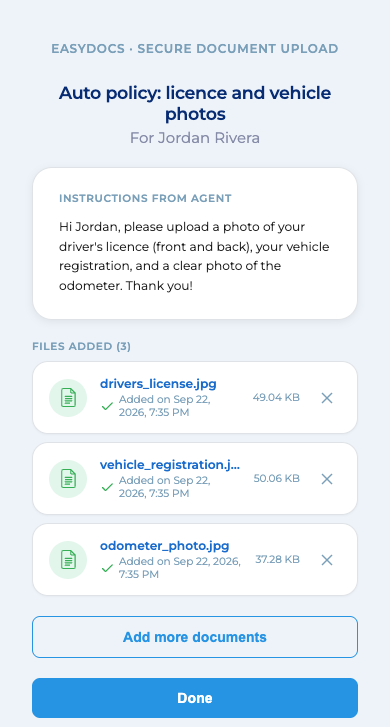
Each request keeps its own log, from the link being created to each file arriving. If someone voids the link, the log records who did it.
Illustration with fictional sample data
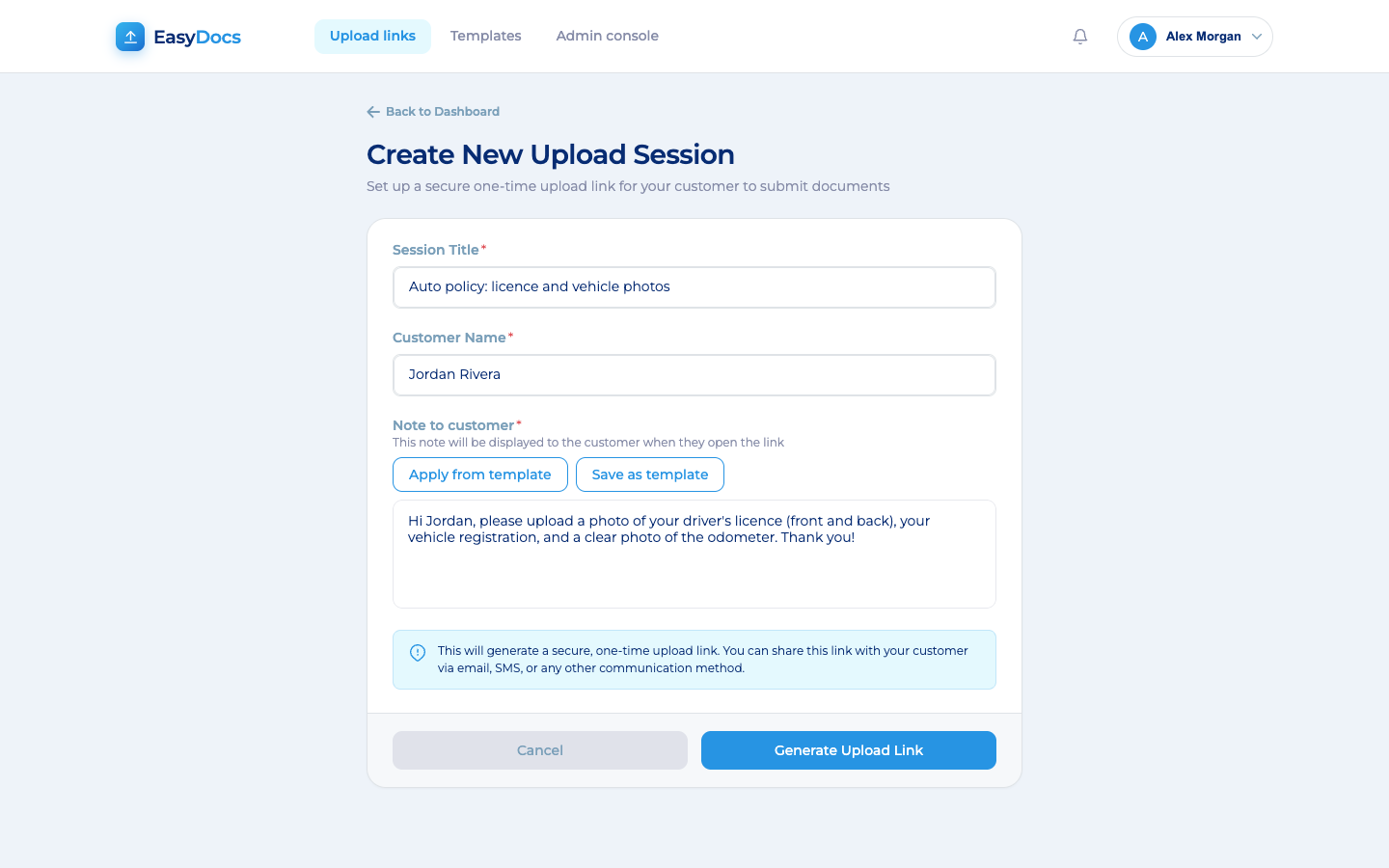
Add the customer's name and a note on what you need, or use a saved template. Copy the secure link.
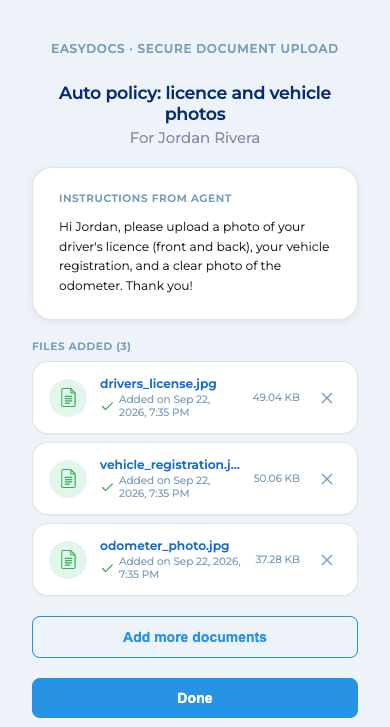
They tap the link, read your note and add photos or PDFs up to 20 MB each.
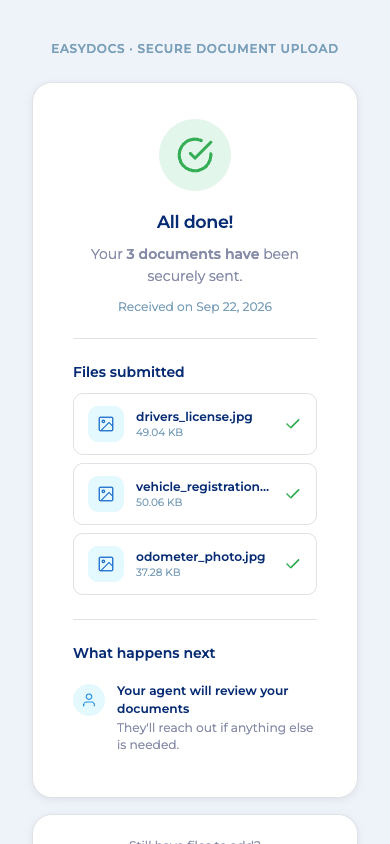
The team member who sent the request watches each file arrive, then previews and downloads one or all.
A page in their phone browser, with no app, account or password. Your note shows first.
Financial services
Replace emailed statements, screenshots and tax forms with a tracked link per request.

Insurance
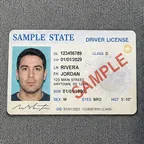
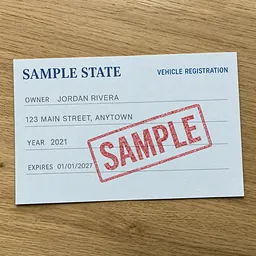
Agents text a link, and customers send licenses and photos of each side of the car.

Healthcare
Patients send them from their phone before the visit, and the files skip staff inboxes.
HR and staffing
New hires send them from their phone through one secure link, instead of as email attachments.
We walk your security and compliance team through these controls during the evaluation.
Sending the link, the record you keep and your security review.
Anyone with the link can only send files in, never open or download them. They do see what your customer sees: the request title, your customer's name, your note, and the name, size and time of each file already sent. So keep account numbers and other sensitive details out of the title and the note. If a link goes to the wrong person, void it.
Every request keeps its own activity log: when the link was created, when your customer opened it, each file received with its name, size and time, and, if the link was voided, who voided it.
During the evaluation, we take your security and compliance team through link security, encryption, hosting, staff sign-in, access control and logging.
What your customer and your team have to do.
Copy the link EasyDocs creates and paste it into the email, text or chat tool you already use, so the request comes from a sender your customer knows.
The dashboard counts active links, links awaiting upload and links expiring soon.
Download one file or all at once, then file them in the system you already use. With EasyEngage, your team can request documents from inside a text conversation.
PDFs and common image formats, including photos taken with their phone. Each file can be up to 20 MB. Other file types are not accepted.
Book a short demo. We will walk your team through what the customer sees, the dashboard and the controls.
We reply within one business day.